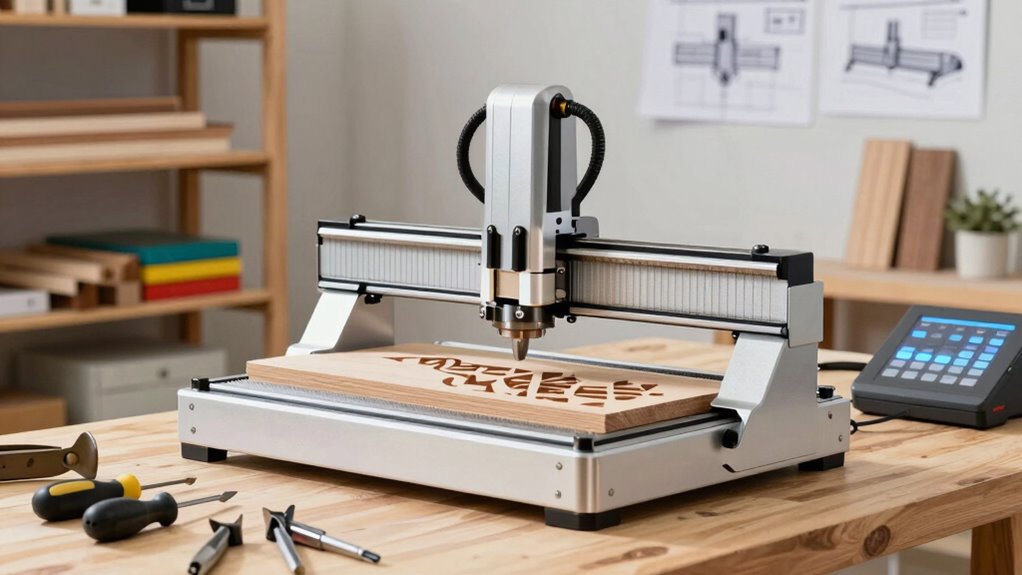

A CNC router is a great tool for crafters who want professional results without the hassle. It automates cutting, carving, and shaping materials like wood, plastic, or metal, making projects faster and more precise. Start with simple designs and focus on mastering basic functions like cutting and engraving. As you get more comfortable, you can explore additional features like 3D carving. Keep exploring to uncover all the tips for easy, impressive projects.

Get business pricing on tools and workshop supplies
- Business-only prices and quantity discounts
- Tax-exempt purchasing
- Multiple users, one account, clear invoices
Key Takeaways
- Start with simple projects like basic cuts and shapes to build confidence before exploring advanced features.
- Use user-friendly software and built-in patterns to make designing and operation straightforward.
- Focus on mastering fundamental functions such as cutting and shaping before adding laser or 3D carving.
- Experiment with different materials and settings to understand your CNC router’s capabilities without complexity.
- Gradually incorporate additional features as you gain experience, keeping the process manageable and enjoyable.
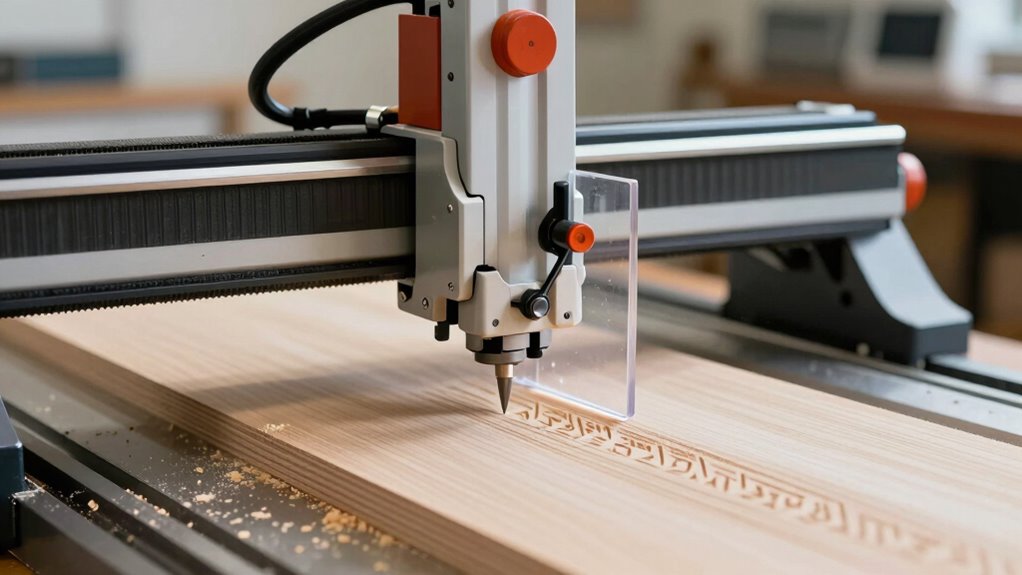
A CNC router is a versatile tool that automates the process of cutting, carving, and shaping various materials like wood, plastic, and metal. This machine can do much more than simple cuts; it opens up a world of creative possibilities, including laser engraving and 3D carving. If you’re new to CNC routers and want to keep things straightforward, understanding these capabilities will help you get started without feeling overwhelmed.
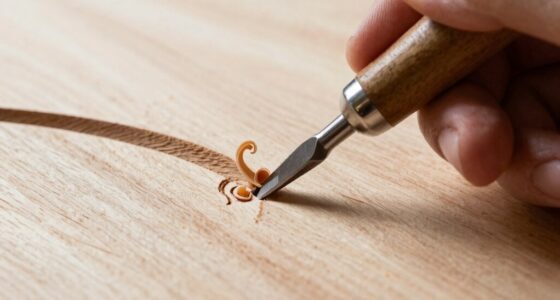
Laser engraving is a popular feature you can experiment with on a CNC router. It uses a focused laser beam to etch detailed designs, text, or images onto surfaces. This process is precise and clean, making it ideal for customizing signs, jewelry, or decorative pieces. You don’t need to be a tech expert to try laser engraving; most machines come with user-friendly software that allows you to upload images or type text. Once set up, you simply select your design and let the CNC router do the work. It’s a quick, efficient way to add intricate details without the mess of traditional engraving tools.
Laser engraving allows precise, clean customization of surfaces with minimal effort using user-friendly software.
3D carving is another exciting function that elevates your projects from flat surfaces to dimensional art. Instead of just cutting around the outline of a shape, 3D carving allows you to create raised or recessed designs that add depth and texture. Think of it as sculpting with precision—your CNC router can carve complex, multi-layered patterns into wood or plastic, turning simple blocks into detailed sculptures or decorative panels. You don’t need to master complex CAD programs to get started; many beginner-friendly software options let you import simple designs or even use built-in patterns. With a bit of practice, you’ll be surprised how easily you can produce professional-looking 3D artwork. Additionally, understanding CNC router capabilities can help you identify new project ideas and maximize your machine’s potential. Exploring software options can also streamline your learning process and improve your results. Moreover, familiarizing yourself with material compatibility ensures you select the right tools and settings for each project, making your work more efficient and successful. Gaining knowledge about precision control can also enhance your ability to execute detailed designs more accurately.
To keep things simple, focus first on mastering the basic functions like cutting and shaping. Once you’re comfortable, explore laser engraving for personalization and 3D carving for adding depth. Both features require minimal extra effort to incorporate into your projects, and many machines are designed to handle them seamlessly. Remember, the key is to start small, learn the software, and experiment with different materials and designs. You don’t have to aim for complex projects right away; even simple engravings or layered carvings can boost your craft and give you a sense of accomplishment.
In essence, a CNC router offers a range of functions that can enhance your creativity without overcomplicating your workflow. By understanding and gradually exploring laser engraving and 3D carving, you’ll expand your skills and produce more detailed, professional-looking pieces—no advanced training required.
As an affiliate, we earn on qualifying purchases.
Frequently Asked Questions
Can I Use a CNC Router for Small-Scale Projects?
Yes, you can absolutely use a CNC router for small-scale projects. They offer great material versatility, allowing you to work on wood, plastics, and softer metals with ease. Keep cost considerations in mind, as smaller or entry-level CNC routers are more affordable and perfect for hobbyists. This makes them ideal for detailed, precise work without overcomplicating your craft process.
How Noisy Is a Typical CNC Router During Operation?
A typical CNC router can be quite noisy during operation, with sound levels often reaching 70-80 decibels, similar to a lawnmower. To keep noise manageable, you can use noise reduction techniques like enclosing the machine or adding soundproof panels. Wearing hearing protection is also a good idea. While some models are quieter than others, expect a certain level of noise unless you invest in specialized, quieter equipment.
What Safety Precautions Should I Take When Using a CNC Router?
When using a CNC router, you should always wear safety gear like goggles, ear protection, and a dust mask to protect yourself from debris and noise. Keep emergency procedures in mind, such as knowing how to shut down the machine quickly and having a fire extinguisher nearby. Always follow manufacturer instructions and stay alert during operation to prevent accidents. Safety first guarantees a smooth, enjoyable crafting experience.
How Much Space Does a CNC Router Require?
Ever wondered how much space your CNC router needs? It typically requires a dedicated area of at least 4×4 feet for smaller models, but larger machines may need 6×8 feet or more. Remember, you must allow space for machine maintenance and guarantee your workspace supports software compatibility with your CNC. Do you have enough room for safe operation, proper ventilation, and easy access? Planning ahead keeps things running smoothly.
Is Prior Woodworking Experience Necessary to Operate a CNC Router?
No, you don’t need prior woodworking experience to operate a CNC router. The process involves manual setup and understanding material compatibility, but most machines come with user-friendly controls and guides. With a little patience, you can learn how to operate the equipment safely and effectively. Many crafters pick up the skills quickly, focusing on the design software and material handling rather than advanced woodworking techniques.
laser engraving machine for wood
As an affiliate, we earn on qualifying purchases.
As an affiliate, we earn on qualifying purchases.
Conclusion
So, now you’re armed with the basics, you’re practically a CNC wizard in the making! With just a little practice, you’ll be creating masterpieces faster than you can say “router bit,” transforming simple materials into stunning works of art. No more sweating over complicated tech—just pure, effortless crafting magic. Get ready to impress everyone (including yourself) with your newfound skills, and remember: the only limit is how wild your imagination gets!
As an affiliate, we earn on qualifying purchases.
As an affiliate, we earn on qualifying purchases.
Halloween Picks
halloween
As an affiliate, we earn on qualifying purchases.