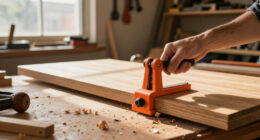
A good desktop CNC for signs, panels, and gifts offers excellent material compatibility, allowing you to work with soft woods, plastics, and lightweight metals for diverse projects. Its user-friendly software makes designing and adjusting easy, saving you time. With precision and a stable build, it guarantees detailed, professional results. Its compact size fits easily on your workspace, while simple controls keep operation straightforward. Keep exploring to discover how these features can elevate your creative projects.
Key Takeaways
- Material versatility allows creating detailed signs, panels, and personalized gift items across various materials.
- User-friendly software simplifies importing designs and generating tool paths, speeding up project development.
- High precision and stability ensure clean, intricate engravings and consistent quality in detailed projects.
- Compact size fits small workshops, enabling hobbyists and small businesses to produce customized projects easily.
- Easy operation with intuitive controls minimizes setup time and technical barriers for users of all skill levels.
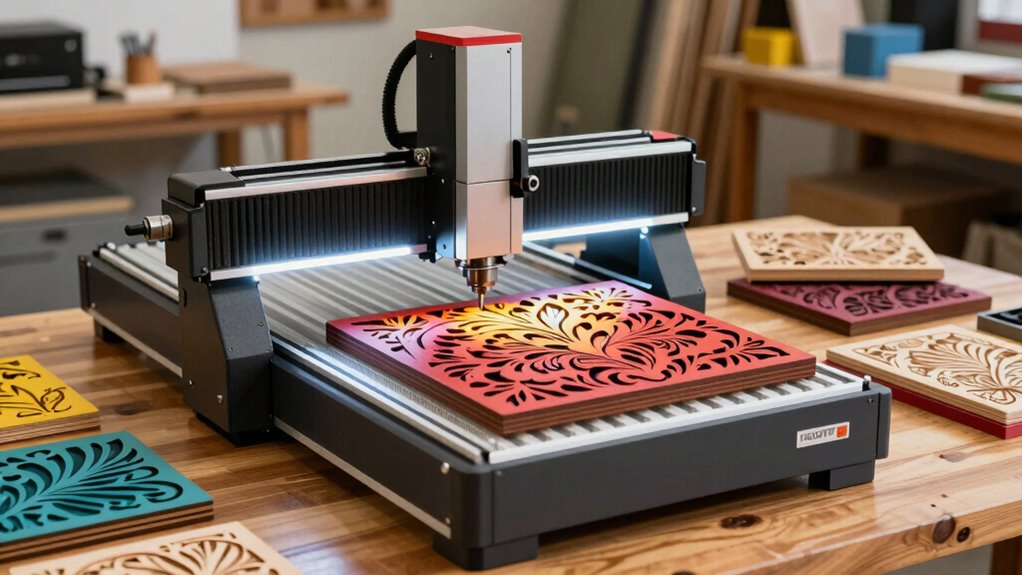
If you’re looking to create personalized signs and gifts with precision and ease, a desktop CNC machine can be a game-changer. These compact tools are designed to handle a variety of projects, making them perfect for crafting custom signs, decorative panels, or unique gifts. One of the key qualities that makes a desktop CNC ideal for these tasks is its material compatibility. The best desktop CNCs can work with a wide range of materials, from soft woods and plastics to lightweight metals, so you’re not limited in your creative options. Look for a CNC that can handle different thicknesses and densities, giving you the flexibility to produce everything from intricate engraved signs to layered gift plaques.
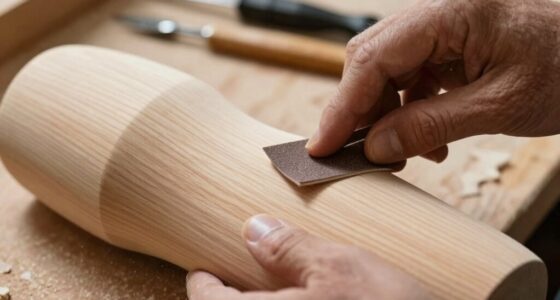
A desktop CNC offers versatile material compatibility, allowing for diverse projects with soft woods, plastics, and lightweight metals.
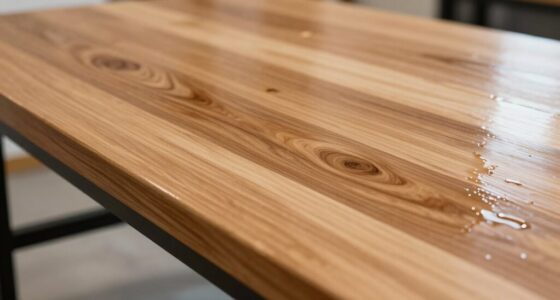
Equally important is software integration. The best desktop CNCs come with user-friendly software that seamlessly connects with your machine, allowing you to design and execute projects with minimal hassle. Intuitive design tools or compatibility with popular CAD/CAM programs ensure you can easily import your digital artwork, adjust dimensions, and generate tool paths without needing advanced technical skills. This integration streamlines your workflow, reducing setup times and minimizing errors, so you can focus more on your design rather than troubleshooting technical issues. Additionally, a CNC with material compatibility ensures you can work on a diverse set of projects without needing to switch equipment frequently. A well-designed user interface also enhances the overall ease of operation, making it accessible for users of varying experience levels.
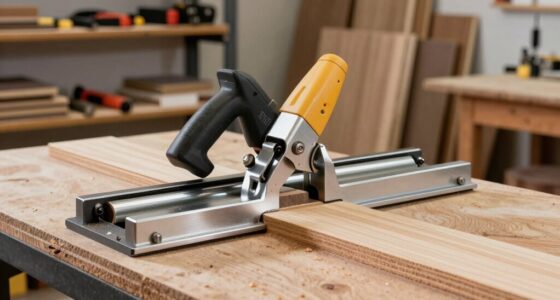
A good desktop CNC for signs and gift projects also offers precision and stability. When engraving or carving detailed patterns, accuracy matters. A rigid frame and high-quality spindle ensure your cuts are clean and consistent, especially when working on delicate details. The machine’s build quality directly impacts the quality of your finished product. Incorporating rigid framing features can significantly improve the accuracy and durability of your projects. Additionally, a compact footprint means it fits comfortably on your workbench or desk, making it accessible for hobbyists or small business owners who don’t have dedicated workshop space.
Another advantage is the ease of operation. Look for features like touchscreens or simplified control panels that make it straightforward to start a project, adjust parameters, or troubleshoot. The learning curve shouldn’t be steep if you want to maximize your productivity. Many machines also come with a range of accessories, such as different bits or clamps, to expand your creative possibilities.
desktop CNC machine for signs and gifts
As an affiliate, we earn on qualifying purchases.
As an affiliate, we earn on qualifying purchases.
Frequently Asked Questions
What Safety Features Should I Look for in a Desktop CNC?
You should look for safety features like clear safety protocols and an easily accessible emergency shutoff switch. These guarantee you can quickly stop the machine if something goes wrong, preventing injuries. Additionally, check for protective covers on moving parts, proper ventilation, and sensors that alert you to issues. Prioritizing these safety features keeps your workspace secure while you work on your signs, panels, and gift projects.
How Easy Is It to Learn to Operate a Desktop CNC Machine?
Getting started with a desktop CNC machine is quite manageable, especially if you value a gentle learning curve and user-friendly design. You’ll find that many models come with intuitive software and clear instructions, making the learning process smoother. While it might seem complex at first, with a little patience and practice, you’ll quickly become comfortable operating the machine, turning your creative ideas into reality without feeling overwhelmed.
Can Desktop CNCS Handle Intricate and Detailed Designs Effectively?
Yes, desktop CNCs can handle intricate and detailed designs effectively. They’re compatible with a variety of materials like wood, acrylic, and soft metals, allowing you to create complex patterns. Your machine’s precision and bit quality directly influence design complexity, so investing in a high-quality CNC guarantees you can achieve fine detail. With proper setup and software, you’ll find it easier to bring intricate designs to life on different materials.
What Maintenance Is Required to Keep a Desktop CNC in Optimal Condition?
To keep your desktop CNC humming smoothly, stick to a regular lubrication schedule, ensuring all moving parts glide effortlessly. Don’t forget dust management—frequently clean and cover your machine to prevent debris buildup. These small acts, like a well-tended garden, keep your CNC in top shape, reducing wear and tear. Consistent maintenance means fewer surprises and more flawless projects, enhancing your creative journey with ease and confidence.
Are There Specific Software Programs Recommended for Sign and Gift Project Designs?
You should choose design software with an intuitive user interface to make your sign and gift project creations easier. Programs like Adobe Illustrator, CorelDRAW, or VCarve are popular because they offer powerful tools and user-friendly interfaces. These allow you to easily create detailed designs, import images, and generate toolpaths. Selecting the right software helps streamline your workflow, ensuring precise cuts and professional-looking signs, panels, and gifts.
As an affiliate, we earn on qualifying purchases.
Conclusion
In the world of desktop CNCs, choosing the right one is like finding the perfect brush for your masterpiece. With the right machine, you’ll turn blank surfaces into canvases bursting with personality—signs that catch the eye, panels that tell stories, and gifts that warm hearts. Think of your CNC as a trusty steed, ready to carry your creative dreams into reality. With each cut, you’re sculpting not just wood or metal, but your own legacy of craftsmanship.
user-friendly CNC software for beginners
As an affiliate, we earn on qualifying purchases.
As an affiliate, we earn on qualifying purchases.
high precision desktop CNC router
As an affiliate, we earn on qualifying purchases.
As an affiliate, we earn on qualifying purchases.