
If you’re creating detailed patterns, a pen display can boost your precision by allowing you to draw directly on the screen, making your workflow smooth and natural. A drawing tablet is a good choice if you want portability and affordability, especially if you’re comfortable working on a separate device. Consider your budget, workspace, and whether you prefer direct drawing or working with an external screen. To find out which option fits your style best, keep exploring for helpful insights.

Get business pricing on tools and workshop supplies
- Business-only prices and quantity discounts
- Tax-exempt purchasing
- Multiple users, one account, clear invoices
Key Takeaways
- Pen displays provide direct, precise drawing on a screen, ideal for intricate pattern details.
- Drawing tablets are portable, cost-effective, and suitable for users comfortable working with separate screens.
- Consider your workflow: professionals needing accuracy may prefer pen displays, while beginners might choose drawing tablets.
- Compatibility with your preferred digital art software is essential for seamless pattern creation.
- Ergonomics and comfort during long sessions influence device choice, especially for detailed, repetitive pattern work.
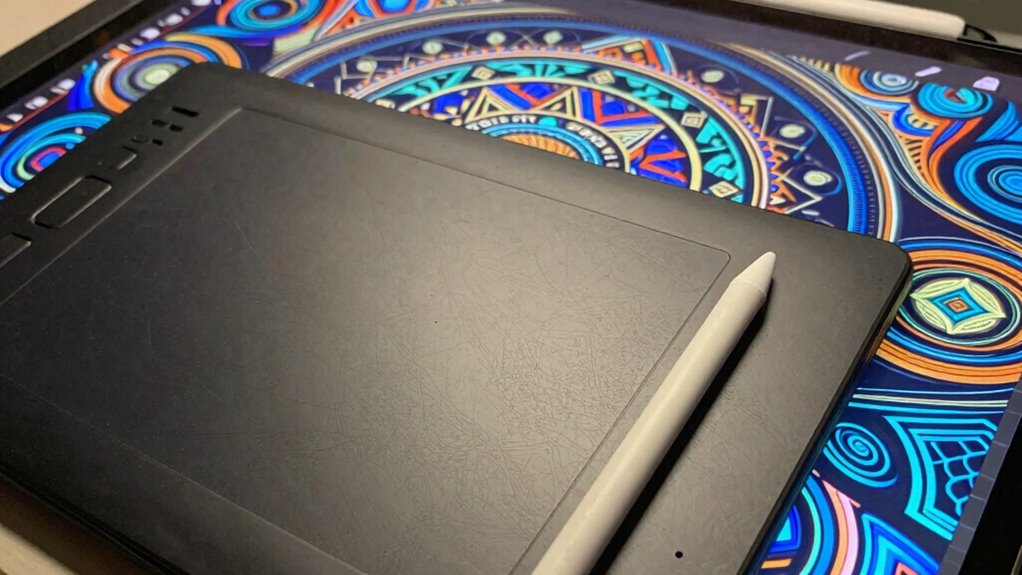
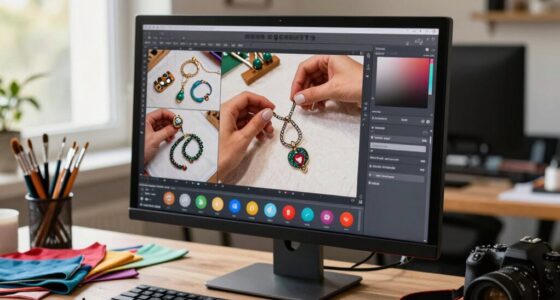
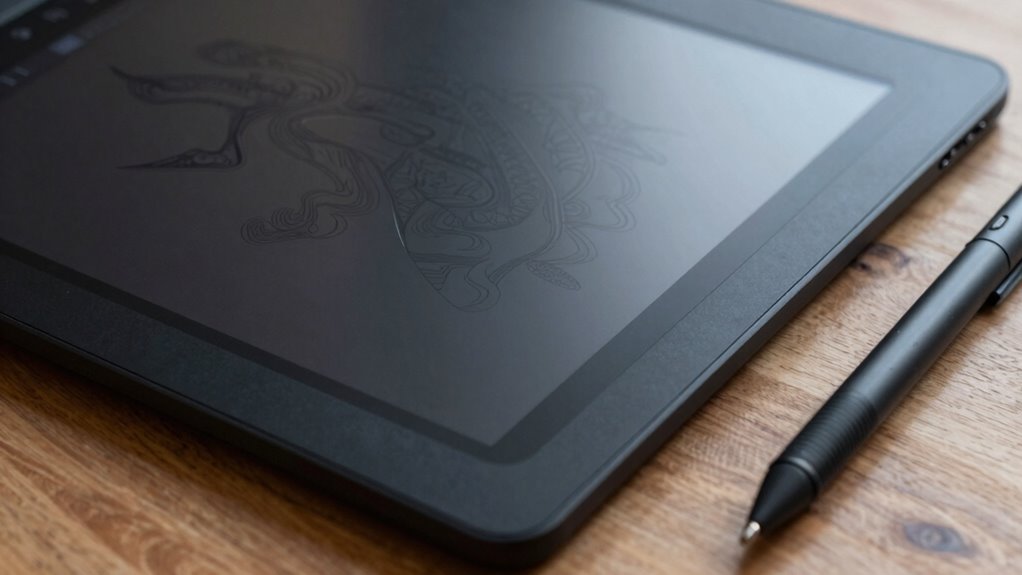
When choosing the right device for pattern work, understanding the differences between a drawing tablet and a pen display is essential. Both tools serve digital art and graphic design projects well, but they cater to different workflows and preferences. A drawing tablet, often called a pen tablet, is a device without a built-in screen. You draw on a flat surface with a stylus, and your strokes appear on your computer monitor. It’s a popular choice for artists who prefer working on their existing screens, offering portability and affordability. On the other hand, a pen display functions as a screen itself. You draw directly on its surface, seeing your work unfold in real-time, making it feel more natural and intuitive. This setup is favored by professionals who prioritize precision and a seamless creative process.
Choosing between a drawing tablet and a pen display depends on your workflow, budget, and preference for direct drawing.
If your focus is on digital art and creating detailed patterns, a pen display might be more appealing. Its direct drawing experience closely mimics traditional media, which can enhance your workflow and make the process more comfortable. You get the advantage of seeing exactly where your lines will appear without any translation step, reducing errors and increasing productivity. For graphic design work involving pattern creation, a pen display can help you work faster and with more control, especially when refining intricate details. Additionally, understanding digital art tools can help you make the most of your chosen device and improve your overall workflow. Moreover, many artists find that ergonomics play a crucial role in maintaining comfort during long creative sessions. A better understanding of cultural and spiritual symbols can also inspire more meaningful pattern designs, adding depth to your artwork. Furthermore, becoming familiar with color theory can assist in creating harmonious and visually appealing patterns. Being aware of software compatibility is also important, as it ensures your device integrates smoothly with the digital tools you prefer to use.
A drawing tablet can still be a great choice, especially if you’re just starting out or on a budget. It’s lightweight, portable, and compatible with most computers. Its simplicity allows you to focus on developing your digital art skills without a steep learning curve. Plus, many models offer customizable buttons and pressure sensitivity, giving you plenty of control over your patterns. If you’re comfortable working with a separate screen, a drawing tablet can integrate smoothly into your existing workflow, whether you’re designing patterns for textiles, wallpapers, or digital illustrations.
Popular right now

De'Longhi Linea Classic Espresso Machine with Adjustable Milk Frother

Vitamix Propel Series 750 Professional-Grade Blender, 4 Programs, Black

Dyson Ball Animal 3 Extra Upright Vacuum
As an affiliate, we earn on qualifying purchases.
Frequently Asked Questions
Can I Use a Regular Tablet for Pattern Work Instead of Specialized Devices?
Yes, you can use a regular tablet for pattern work in digital art. Many artists rely on standard tablets as creative tools, especially if they’re comfortable with their device’s stylus and touchscreen capabilities. While specialized pen displays offer more precision and a natural drawing experience, a regular tablet still provides enough functionality for designing patterns. It’s all about how you leverage your device to achieve your artistic goals efficiently.
What Is the Difference Between a Drawing Tablet and a Pen Display?
Deciding between a drawing tablet and a pen display? A drawing tablet offers digital precision with a separate stylus and screen, giving you artistic flexibility. In contrast, a pen display combines both, providing an integrated experience that mimics drawing directly on paper. If you want seamless stylus control and vivid visuals, a pen display is ideal. For more portable, budget-friendly options, a drawing tablet still delivers great digital precision.
Do I Need a High-End Model for Pattern Design?
You don’t necessarily need a high-end model for pattern design, but investing in one can improve your work through better digital precision and tool versatility. A mid-range device often offers enough features to create intricate patterns, while higher-end models provide more control, sensitivity, and color accuracy. Consider your skill level and project needs; if you require detailed, professional results, a high-end tablet or pen display can make a significant difference.
How Important Is Screen Size for Pattern Creation?
Screen size is pretty important for pattern creation because it directly impacts your workspace flexibility. A larger screen lets you see more details and work more comfortably without zooming in constantly, which improves precision. If you’re doing intricate designs, a bigger display helps you keep everything in view and reduces eye strain. So, choose a size that fits your workflow, balancing portability and ample workspace for your pattern work.
Are Wireless Tablets Suitable for Detailed Pattern Work?
Wireless tablets can be suitable for detailed pattern work if they offer high pressure sensitivity and stylus accuracy. You’ll want a device that responds precisely to your strokes, allowing you to create intricate designs effortlessly. Keep in mind that some wireless options might have slight latency or limited pressure levels, which could affect your precision. Choose a model with excellent pressure sensitivity and stylus accuracy to guarantee your pattern work remains sharp and professional.
Conclusion
So, whether you’re secretly dreaming of a fancy pen display or just want a basic drawing tablet, the choice really boils down to what you enjoy—because nothing says “artistic freedom” like spending hours figuring out which gadget makes your patterns look perfect. Ironically, the right device doesn’t matter as much as your passion and patience. After all, a fancy tool can’t replace a good sense of style—and a little stubbornness to keep practicing.