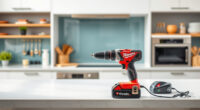
Getting your DEWALT 20V MAX Cordless Drill Driver set up correctly is essential for safe operation and maximum efficiency. Whether you’re a DIY enthusiast or a professional, following proper setup procedures ensures reliable performance and extends the tool’s lifespan.

Get business pricing on tools and workshop supplies
- Business-only prices and quantity discounts
- Tax-exempt purchasing
- Multiple users, one account, clear invoices
In this guide, you’ll find clear, step-by-step instructions on how to prepare your drill, install accessories, and troubleshoot common issues effectively and safely.
Key Takeaways
| Power Source | Use the included 2.0 Ah battery and ensure it is fully charged before use. |
| Accessory Installation | Properly install drill bits or screwdriver bits using the single-sleeve ratcheting chuck. |
| Safety First | Always wear eye protection and keep hands clear of moving parts during setup. |
| Operational Checks | Test the trigger and LED light to confirm proper operation before starting work. |
| Maintenance | Regularly clean the chuck and battery contacts for optimal performance. |
Step 1: Prepare Your Workspace
- Choose a clean, dry, well-lit area free of clutter.
- Ensure you have all necessary accessories and safety gear ready.
Step 2: Insert the Battery
- Align the 2.0 Ah battery with the base of the drill.
- Push the battery into the compartment until it clicks into place securely.
Step 3: Attach the Drill Bit or Accessory
- Loosen the single-sleeve ratcheting chuck by turning it counterclockwise.
- Insert your chosen bit, ensuring it’s seated fully in the chuck.
- Turn the chuck clockwise to tighten securely, avoiding cross-threading.
Step 4: Check Operation and Safety Features
Press the LED light button and squeeze the trigger to test the drill. Ensure the LED lights up and the drill runs smoothly. Confirm all safety features, like the trigger lock, are functioning properly.
Troubleshooting and Tips
- If the drill doesn’t turn on, check the battery charge level and ensure it is properly installed.
- Keep the chuck clean and free of debris to prevent slipping.
- Store the tool in a dry place and periodically check the battery contacts for corrosion.
The Products in This Guide

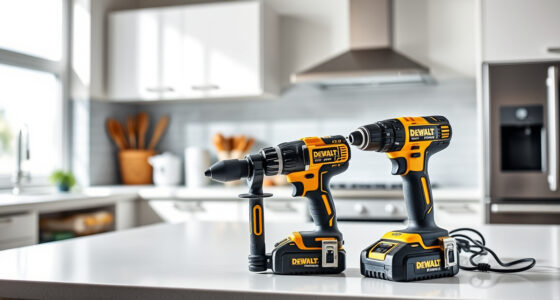
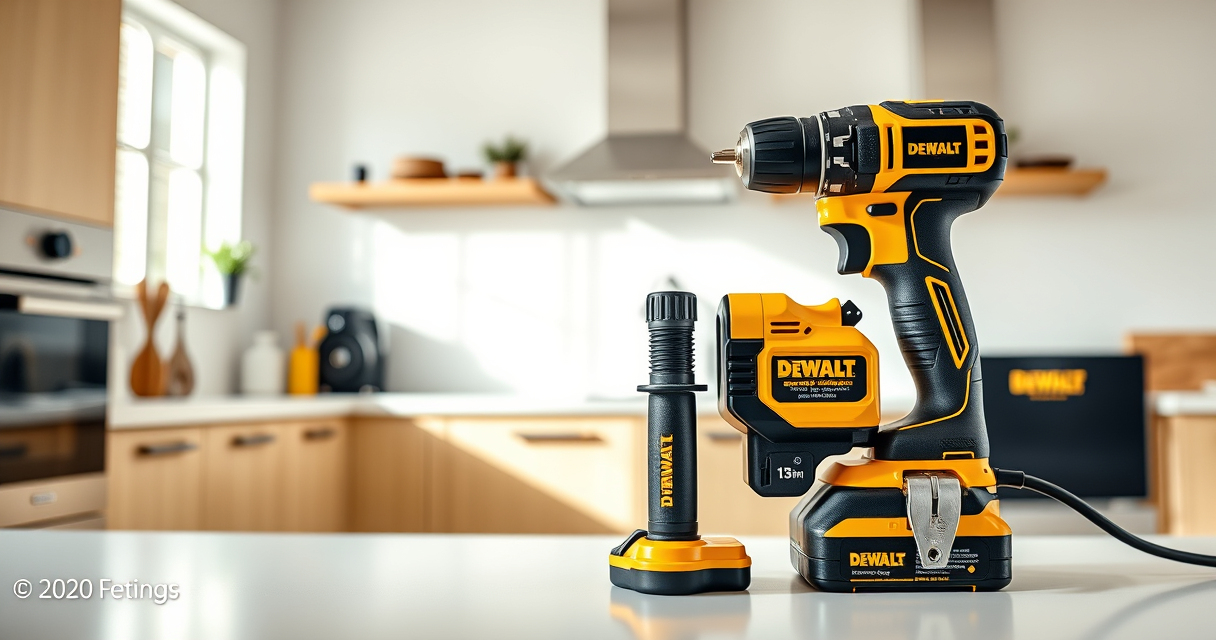
DEWALT 20V MAX Cordless Drill Driver Set
- ✔ LED Light: Yes
- ✔ Speed Settings: 2-Speed
- ✔ Included Battery: Yes

DEWALT Drill Bit Set
- ✔ Tip: Split Point
- ✔ Compatibility: Plastic, Wood, Metal
- ✔ Durability: High
DEWALT 20V MAX Cordless Drill Driver Set
The DEWALT 20V MAX Cordless Drill Driver Set is a reliable, lightweight tool ideal for a variety of tasks. Its brushless motor offers more run time and durability, making setup and operation straightforward and safe.
Pros:
- Lightweight and compact design
- Efficient brushless motor
- LED work light
- Two-speed transmission
Cons:
- Battery life limited for heavy-duty tasks
- Chuck may loosen over time if not tightened properly
Best for: General-purpose drilling and fastening in tight spaces
Not ideal for: Heavy-duty industrial drilling
Bottom line: A versatile, reliable drill perfect for everyday tasks and DIY projects.
DEWALT Drill Bit Set
Pair your DEWALT drill with this 14-piece drill bit set featuring high-speed steel and a 135-degree split point tip for precise, effortless drilling into various materials.
Pros:
- Durable high-speed steel construction
- Split point design reduces walking
- Easy size identification
- Corrosion-resistant coating
Cons:
- Limited to standard drilling tasks
- Not suitable for heavy-duty industrial use
Best for: General drilling in plastic, wood, and metal
Not ideal for: Heavy industrial drilling
Bottom line: A versatile drill bit set that enhances your drilling capabilities with precision and durability.
Frequently Asked Questions
How do I charge the DEWALT battery?
Insert the battery into the DEWALT charger until the LED indicator shows a full charge, which typically takes about an hour.
Can I use other batteries with this drill?
No, this drill is compatible specifically with the 20V MAX batteries designed for DEWALT tools, such as the DCB205 series.
What safety precautions should I take during setup?
Always wear safety glasses, keep your hands clear of the chuck when installing bits, and ensure the tool is turned off before inserting or removing batteries or accessories.
How do I troubleshoot if the drill doesn’t start?
Check the battery charge level, ensure the battery is properly seated, and inspect the trigger and safety switch for proper operation.
Get Started Confidently with Your DEWALT Drill
Proper setup is key to getting the most out of your DEWALT 20V MAX Cordless Drill. By following these simple steps, you’ll ensure safe operation and reliable performance for all your projects. Remember to regularly maintain your tool and accessories for long-lasting use.
Affiliate disclosure: As an Amazon Associate we earn from qualifying purchases. Prices and availability are accurate as of the time of publishing.