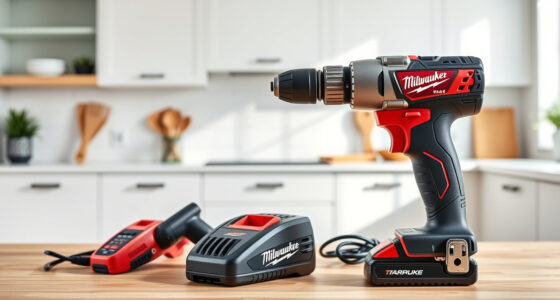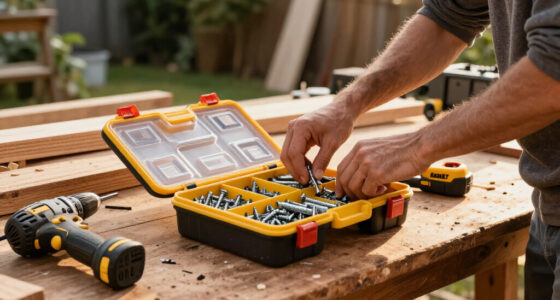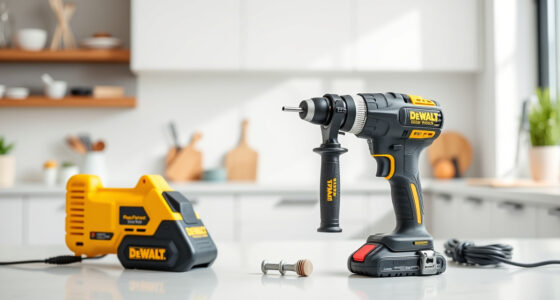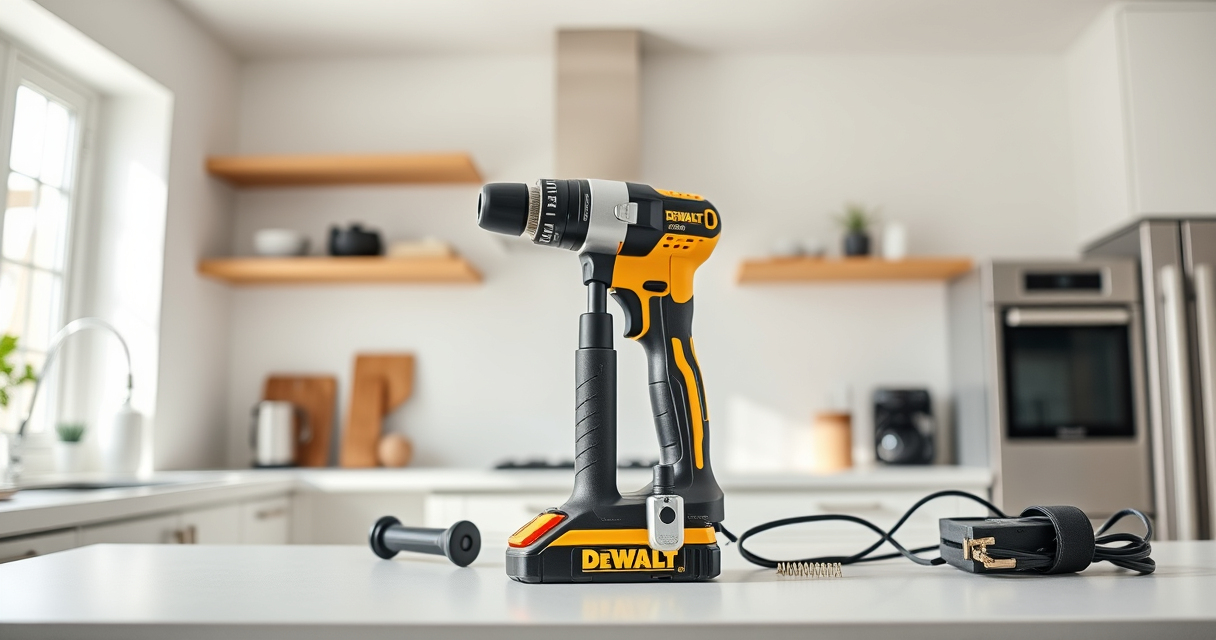
If your DEWALT power tool isn’t charging properly, it can be frustrating and hinder your work. Fortunately, most charging issues are fixable with basic troubleshooting steps. This guide provides clear, safe instructions to help you identify and resolve common problems, ensuring your tool is ready for the job.

Get business pricing on tools and workshop supplies
- Business-only prices and quantity discounts
- Tax-exempt purchasing
- Multiple users, one account, clear invoices
Before starting, ensure you’re working in a safe environment and wearing appropriate safety gear. Always disconnect the battery before handling or inspecting the charger or tool.
Key Takeaways
| Check Charger Compatibility | Use only DEWALT chargers designed for your battery model. |
| Inspect Battery Condition | Look for physical damage or swelling in the battery. |
| Clean Battery Contacts | Remove dirt or corrosion that may block charging. |
| Ensure Proper Connection | Make sure the battery is seated correctly in the charger. |
| Test with a Known Good Charger | Verify if the charger or battery is faulty by swapping. |
Step 1: Verify the Charger and Power Source
- Ensure the charger is plugged into a functioning power outlet. Test the outlet with another device.
- Inspect the charger’s power cord and plug for damage or fraying.
Step 2: Inspect the Battery
- Remove the battery from the tool and examine it closely for any signs of damage such as swelling, cracks, or corrosion on the contacts.
- If damaged, replace the battery.
Step 3: Clean the Battery Contacts
- Use a dry cloth or a soft brush to remove dirt, dust, or corrosion from the battery contacts.
- For stubborn corrosion, lightly dampen a cloth with rubbing alcohol and wipe the contacts clean. Allow to dry completely.
Step 4: Ensure Proper Battery Seating
- Place the battery fully into the charger, ensuring it clicks into place and the LED indicator lights up (if applicable).
- If the battery doesn’t seat properly, try removing and reinserting it firmly.
Step 5: Test and Replace Components if Needed
- Try charging with a different DEWALT charger compatible with your battery model to determine if the charger is faulty.
- If the battery still won’t charge, consider replacing the battery or charger.
The Products in This Guide

DEWALT 20V MAX Cordless Drill Driver Set
- ✔ LED Light: Yes
- ✔ Two-Speed: Yes
- ✔ Warranty: 3 years

DEWALT Drill Bit Set
- ✔ Size Markings: On shank
- ✔ Web Design: Tapered
- ✔ Coating: Rust-resistant
DEWALT 20V MAX Cordless Drill Driver Set
The DEWALT 20V MAX Cordless Drill Driver Set is a versatile and durable tool, but charging issues can stem from battery or charger problems. Following proper troubleshooting steps can extend your tool’s lifespan and ensure consistent performance.
Pros:
- High-quality brushless motor
- Compact and lightweight design
- LED light for visibility
- Includes 2.0 Ah battery and charger
- Ergonomic grip
Cons:
- Battery can swell if damaged
- Charger may fail after extended use
- Limited to DEWALT compatible batteries
Best for: DIY enthusiasts and professionals needing reliable cordless drilling.
Not ideal for: For users with incompatible batteries or outdated chargers.
Bottom line: Regular maintenance and correct charging practices keep your DEWALT tools ready for any job.
DEWALT Drill Bit Set
Enhance your drilling projects with this DEWALT Drill Bit Set, designed for various materials and featuring durable high-speed steel construction. It’s an excellent complement to your cordless drill.
Pros:
- Wide range of sizes
- Rust-resistant coating
- Split point tip for precision
- Heavy-duty construction
Cons:
- May be overkill for light tasks
- Requires compatible drill for best use
Best for: Professional and DIY drilling into wood, metal, and plastic.
Not ideal for: For users needing only basic drill bits.
Bottom line: A durable, versatile set to expand your drilling capabilities.
Frequently Asked Questions
Why isn’t my DEWALT battery charging?
Common reasons include dirty contacts, damaged battery, incompatible charger, or a faulty power source. Follow troubleshooting steps to identify the cause.
How can I tell if my battery is bad?
Signs include swelling, cracks, corrosion, or if it no longer holds a charge after multiple attempts. Testing with a known good charger can also help diagnose issues.
Is it safe to clean battery contacts with alcohol?
Yes, lightly dampening a cloth with rubbing alcohol to clean contacts is safe and effective. Ensure the contacts are completely dry before recharging.
Should I replace my charger or battery first?
Start by testing with a known working charger and battery. If one component is faulty, replacing it will resolve the issue more efficiently.
Keeping Your DEWALT Power Tools Charging Ready
Proper maintenance and troubleshooting can prevent charging issues and extend the lifespan of your DEWALT tools. Regularly inspect and clean your batteries and chargers, and always use compatible accessories. With these steps, you’ll ensure your power tools are always ready when you need them most.
Affiliate disclosure: As an Amazon Associate we earn from qualifying purchases. Prices and availability are accurate as of the time of publishing.
Halloween Picks
halloween
As an affiliate, we earn on qualifying purchases.