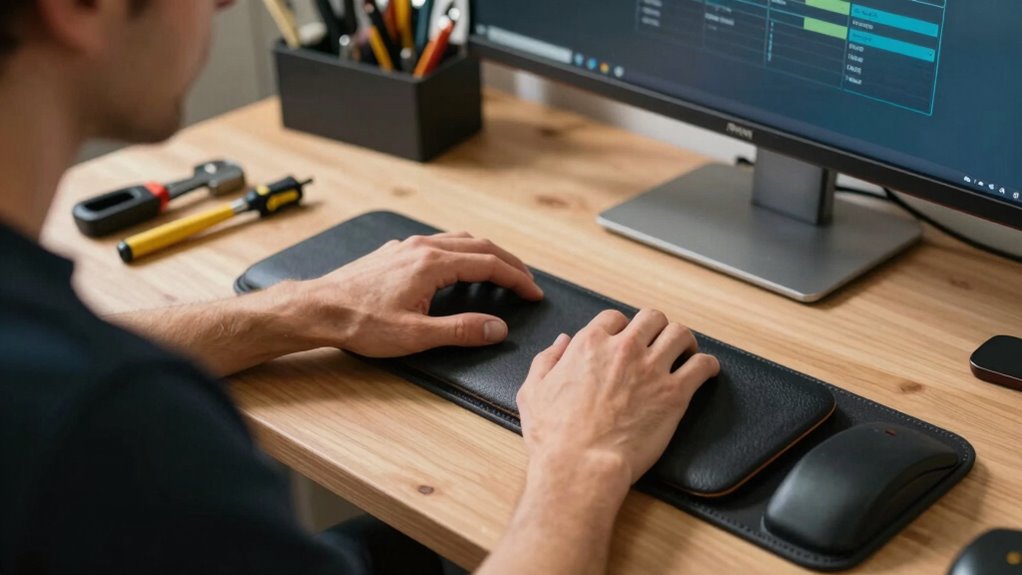

To stop wrist and neck pain before it starts, set up your workspace properly by adjusting your chair, work surface, and monitor to maintain good posture. Use ergonomic tools like supportive grips and wrist rests, and keep frequently used items within easy reach. Take regular breaks to stretch and move, and adjust lighting to reduce eye strain. Paying attention to body feedback and making small changes can make a big difference—learn more to protect your body during your projects.
Key Takeaways
- Adjust your workspace so monitors are at eye level and keyboards are positioned to keep elbows at 90° for minimal strain.
- Use ergonomic tools with proper grips and keep frequently used items within easy reach to reduce overextension.
- Support good posture by sitting upright with back support and feet flat on the floor, maintaining natural spinal alignment.
- Take regular breaks every 30-60 minutes to stretch, reset posture, and prevent muscle fatigue and joint pain.
- Incorporate ergonomic accessories like wrist rests, lumbar support chairs, and monitor stands to promote comfort and prevent injury.
Assess Your Workspace Height and Positioning
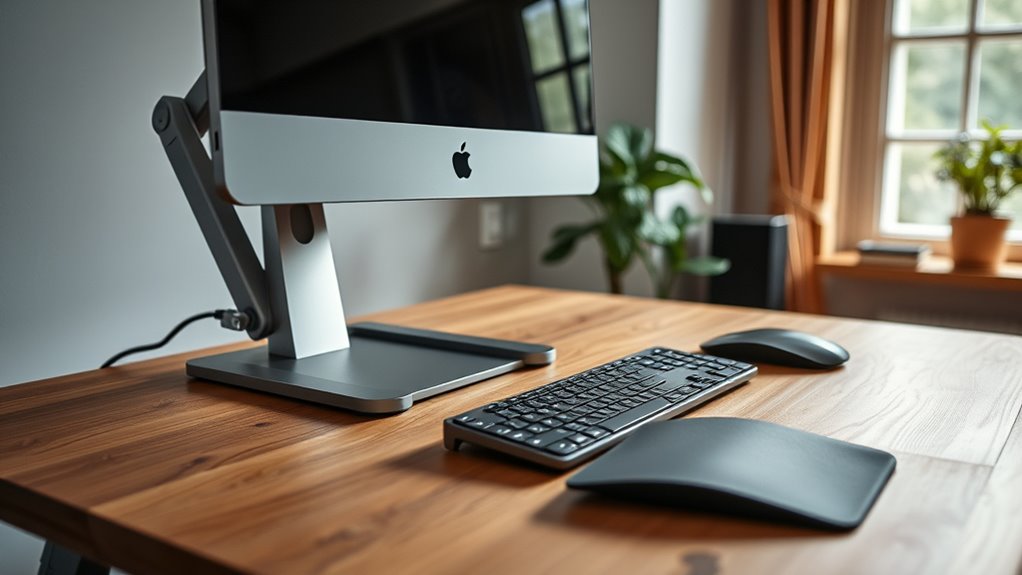
To prevent strain and discomfort during your projects, it’s vital to evaluate the height and positioning of your workspace. Proper keyboard placement ensures your wrists stay in a neutral position, reducing the risk of strain. Keep your keyboard at a height where your elbows are bent at about 90 degrees and your wrists remain straight. Similarly, monitor height plays an essential role in preventing neck pain. Position your monitor so the top of the screen is at or just below eye level, allowing you to look straight ahead without tilting your head up or down. Adjust your workspace to promote a natural, relaxed posture. Incorporating ergonomic techniques can further enhance your comfort and reduce the likelihood of repetitive strain injuries, especially when you utilize adjustable furniture to customize your workspace setup. Ensuring proper ergonomic design can significantly improve your overall comfort during long projects. Additionally, using supportive ergonomic accessories can help maintain proper alignment and reduce fatigue over extended periods. Regularly taking breaks and doing stretching exercises can also prevent injuries and improve your overall ergonomic health.
Choose the Right Tools and Equipment for Comfort
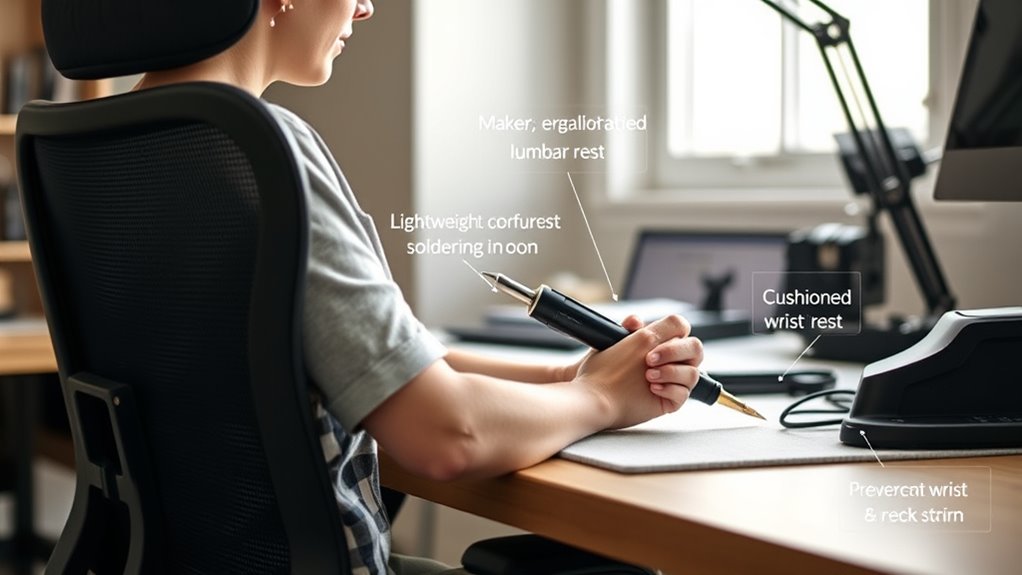
Choosing the right tools and equipment can make a big difference in your comfort and productivity. Look for ergonomic tools designed to reduce strain and fit your hand comfortably. Incorporate features like proper grip design to enhance comfort and minimize fatigue. Pair them with adjustable work surfaces and supportive seating to create an efficient, comfortable workspace. Incorporating Free Floating design principles can help you achieve a more adaptable and natural posture during your projects. Additionally, selecting tools that support ergonomic standards can further prevent repetitive strain injuries and promote long-term health.
Ergonomic Tool Selection
Selecting the right tools and equipment is essential for ensuring comfort during your projects. When practicing ergonomic tool selection, focus on tools that fit your hand well and promote proper grip techniques. Using tools with ergonomic handles reduces strain on your wrists and minimizes fatigue. Opt for lightweight tools with textured grips to maintain control without excessive force. Consider the shape and size of tools, choosing those that suit your hand size and task. To help you decide, here’s a quick comparison:
| Tool Type | Ergonomic Features | Proper Grip Techniques |
|---|---|---|
| Screwdrivers | Soft grip, contoured handle | Hold near the tip, apply gentle pressure |
| Pliers | Non-slip grip, balanced weight | Use whole hand, avoid squeezing tightly |
| Knives | Ergonomic handle, sharp blade | Maintain a relaxed grip, cut with controlled motion |
| Hammers | Cushion grip, lightweight | Grip near the end, swing smoothly |
| Saws | Comfortable handle, balanced | Keep a relaxed grip, use smooth strokes |
A proper ergonomic tool choice can significantly reduce the risk of repetitive strain injuries and improve overall comfort during extended working sessions. Incorporating ergonomic tools not only enhances comfort but also prevent musculoskeletal disorders, leading to healthier and more sustainable work habits. Additionally, using ergonomic tools can contribute to better posture and reduce muscle fatigue, enhancing your productivity and safety.
Adjustable Work Surfaces
Adjustable work surfaces are essential for creating an ergonomic workspace because they allow you to customize your setup to fit your body and task. With modular work surfaces, you can easily modify height, position, and layout to match your workflow, reducing strain on your neck and wrists. These customizable workstations help you maintain proper posture, preventing discomfort during long projects. By choosing adjustable tables or platforms, you can switch between sitting and standing positions effortlessly, promoting movement and reducing fatigue. Incorporate modular work surfaces into your setup to create a flexible environment that adapts as your needs change. The ability to tailor your workspace ensures comfort and efficiency, making it easier to focus on your craft without risking pain or injury. Additionally, selecting ergonomically designed tools can further enhance comfort and prevent strain during prolonged use. Understanding workspace fundamentals like layout and lighting helps optimize your setup for better health and productivity. Incorporating adjustable components can further support ergonomic principles by allowing quick modifications based on your comfort needs. Being aware of ergonomic principles ensures that your workspace adjustments promote long-term comfort and well-being.
Supportive Seating Options
Having an adaptable workspace with adjustable surfaces is a great start, but supporting your body with proper seating makes a significant difference. A supportive chair helps maintain good posture and reduces strain. When selecting your seat, consider:
- An ergonomic chair with lumbar support to keep your back aligned.
- Adjustable height settings so your feet rest flat on the floor.
- A seat cushion or pad for added comfort during long sessions.
- Incorporate wrist supports and an ergonomic keyboard to minimize wrist strain, especially when typing or using tools.
- Choosing a supportive seat that promotes proper spinal alignment and comfort can prevent long-term musculoskeletal issues.
- Additionally, selecting ergonomic accessories designed to complement your chair can enhance overall comfort and reduce repetitive strain.
- Proper posture awareness throughout your work session can further alleviate discomfort and promote musculoskeletal health.
- Ensuring your workspace is ergonomically optimized can also help prevent discomfort and improve focus during extended periods of work.
Maintain Proper Posture During Your Projects

To stay comfortable and avoid strain, keep your sitting position proper—sit upright with your back supported. Make sure your work surface is at the right height so you don’t have to hunch or stretch. Adjust your chair and workspace until everything feels natural and relaxed during your projects. Incorporating ergonomic principles can further enhance your comfort and reduce the risk of repetitive strain injuries. Paying attention to posture awareness can help prevent discomfort before it develops, especially by regularly adjusting your workspace to support healthy movement. Using ergonomic tools such as adjustable chairs and anti-fatigue mats can also contribute to a healthier working environment. Additionally, adopting proper ergonomic setup techniques can optimize your workspace for long-term comfort.
Proper Sitting Position
Maintaining proper sitting posture is essential for comfort and safety during your projects. To do this, make certain your workspace supports good alignment. First, sit with your back straight and shoulders relaxed. Second, keep your feet flat on the floor or on a footrest. Third, position your ergonomic keyboard at a height that allows your elbows to stay close to your sides, with wrists straight, supported by wrist support if needed. Fourth, avoid leaning forward or hunching over your work. This helps prevent strain on your neck and wrists. Remember to keep your monitor at eye level to avoid neck tilt. Proper sitting posture minimizes discomfort and keeps you productive, making your projects safer and more enjoyable.
Adjust Work Surface Height
Adjusting your work surface height is essential for maintaining proper posture throughout your projects. Start by setting your workspace so that your elbows are at a 90-degree angle, with your forearms parallel to the ground. This ensures your custom keyboard height is comfortable and reduces strain on your wrists. Your monitor placement is equally important; position it so the top of the screen is at eye level, minimizing neck tilt. If your work surface is too high or low, it can cause shoulder discomfort or neck strain over time. Use adjustable stands or platforms to fine-tune your setup. Properly aligning your work surface, keyboard, and monitor helps prevent repetitive strain injuries and keeps you comfortable during long sessions.
Incorporate Ergonomic Accessories to Support Your Body

Incorporating ergonomic accessories into your workspace can substantially reduce strain and improve comfort during long hours of making. These accessories provide essential body support that helps prevent pain and fatigue. Visualize:
- An adjustable wrist rest to keep your wrists in a neutral position while working on projects.
- An ergonomic chair with lumbar support to maintain proper spinal alignment.
- A monitor stand to elevate your screen to eye level, reducing neck strain.
- Anti-fatigue mats that encourage movement and provide cushioning for your feet.
Using these ergonomic accessories ensures your body stays supported, minimizing discomfort. They help you maintain good posture, reduce repetitive strain, and create a more comfortable workspace. Prioritizing body support with the right accessories makes your making sessions more enjoyable and less taxing.
Take Regular Breaks to Stretch and Reset

Taking regular breaks to stretch and reset is essential for staying comfortable and preventing fatigue during your making sessions. Incorporate simple stretching routines into your routine to loosen tight muscles and improve circulation. These routines help reduce tension in your neck, wrists, and shoulders, reinforcing good ergonomic habits. Set a timer to remind you to pause every 30 to 60 minutes, ensuring you don’t stay in the same position too long. During breaks, stand up, stretch your arms overhead, rotate your neck gently, and flex your wrists. These small actions can make a big difference in maintaining comfort and preventing strain. Consistently taking breaks to stretch helps you stay focused, reduces the risk of pain, and promotes healthier, more sustainable making habits.
Organize Your Workspace to Minimize Strain
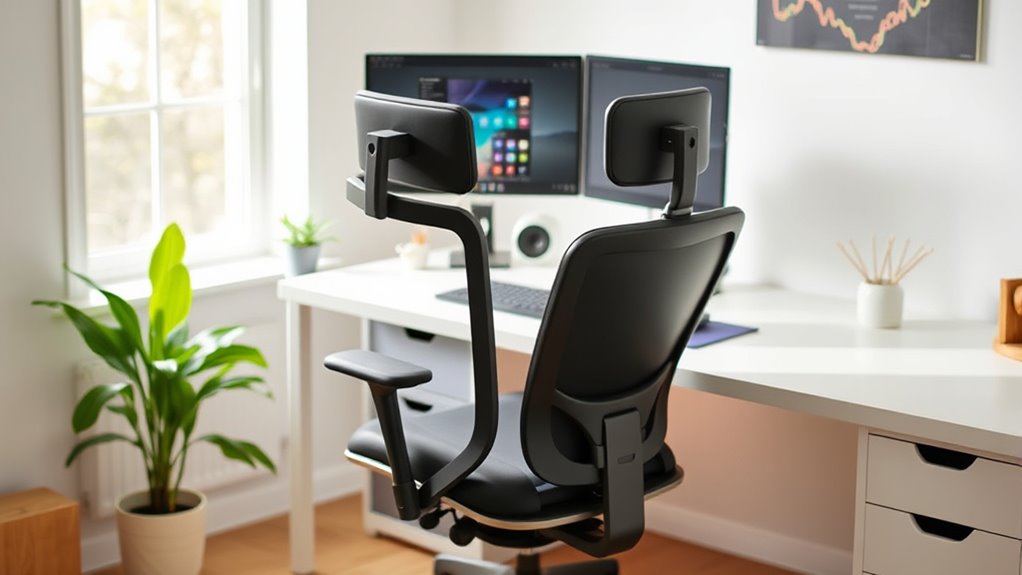
A well-organized workspace helps you work more comfortably and reduces strain. Keep your surface clear and layout tools within easy reach to avoid unnecessary stretching. Use adjustable work surfaces and proper storage solutions to maintain good posture and prevent fatigue.
Clear Surface Layouts
Have you ever noticed how cluttered work surfaces can lead to unnecessary strain? A clear layout boosts workspace aesthetics and helps you work more efficiently. To achieve this, consider these key points:
- Keep essential tools within arm’s reach to reduce unnecessary reaching.
- Use storage solutions like bins or drawers to hide clutter and maintain order.
- Designate specific zones for different tasks to streamline your workflow.
- Regularly tidy your surface, removing items you no longer need.
Adjustable Work Surfaces
Adjustable work surfaces are essential for creating an ergonomic workspace that adapts to your needs. By focusing on height customization, you can set your surface at the ideal level to reduce neck and wrist strain, promoting better posture during tasks. Look for desks or workbenches with adjustable height features, so you can easily switch between sitting and standing positions. Choosing the right surface material also matters—smooth, durable surfaces like laminate or finished wood minimize friction and provide a stable work area, reducing the risk of slips or damage to tools and materials. An adjustable work surface ensures your workspace aligns with your body, helping you work comfortably for longer periods without discomfort or fatigue. Proper height and surface material make a significant difference in ergonomic efficiency.
Proper Tool Storage
Organizing your tools effectively helps prevent unnecessary reaching, twisting, and bending, which can lead to strain and fatigue. To optimize your workspace, focus on personal tool organization and material storage solutions. For example:
- Place frequently used tools at waist or eye level for quick access.
- Use wall-mounted racks or pegboards to keep tools within arm’s reach.
- Store rarely used items in labeled bins or drawers to reduce clutter.
- Keep small parts in stackable containers to avoid unnecessary bending when searching.
These strategies minimize awkward movements and help maintain proper posture. By arranging your tools thoughtfully, you reduce strain on your wrists, neck, and back, making your workspace safer and more efficient. Well-organized storage encourages better ergonomics and a more comfortable crafting experience.
Adjust Lighting to Reduce Eye and Neck Strain

Proper lighting is essential for reducing eye and neck strain while working on your projects. Ambient lighting helps create an even, soft glow that minimizes harsh shadows and glare, which can cause eye fatigue. Position your light sources to prevent direct illumination into your eyes or onto your workspace, reducing the need to squint or lean forward. Adjusting your lighting setup ensures your eyes stay relaxed and your neck remains in a neutral position. Use adjustable lamps or overhead lights with dimming options to fine-tune brightness for different tasks. Remember, proper ambient lighting not only improves visibility but also helps prevent unnecessary strain, keeping you comfortable and focused during your creative sessions.
Practice Hand and Wrist Exercises to Prevent Fatigue

To prevent hand and wrist fatigue during your projects, incorporating regular exercises can make a significant difference. Simple hand stretches and wrist rotations help maintain flexibility and reduce strain.
- Start with hand stretches by spreading your fingers wide, then clenching into a fist and relaxing.
- Perform wrist rotations by gently rotating your wrists clockwise, then counterclockwise, for 10-15 seconds each way.
- Stretch your palms by pressing your hands together in a prayer position, then lowering your hands while keeping palms pressed.
- Finish with finger taps, touching each finger to your thumb repeatedly to improve circulation.
Doing these exercises every hour keeps your hands loose, prevents stiffness, and minimizes fatigue. Consistent movement promotes comfort and productivity during long sessions.
Optimize Your Chair and Work Surface Setup
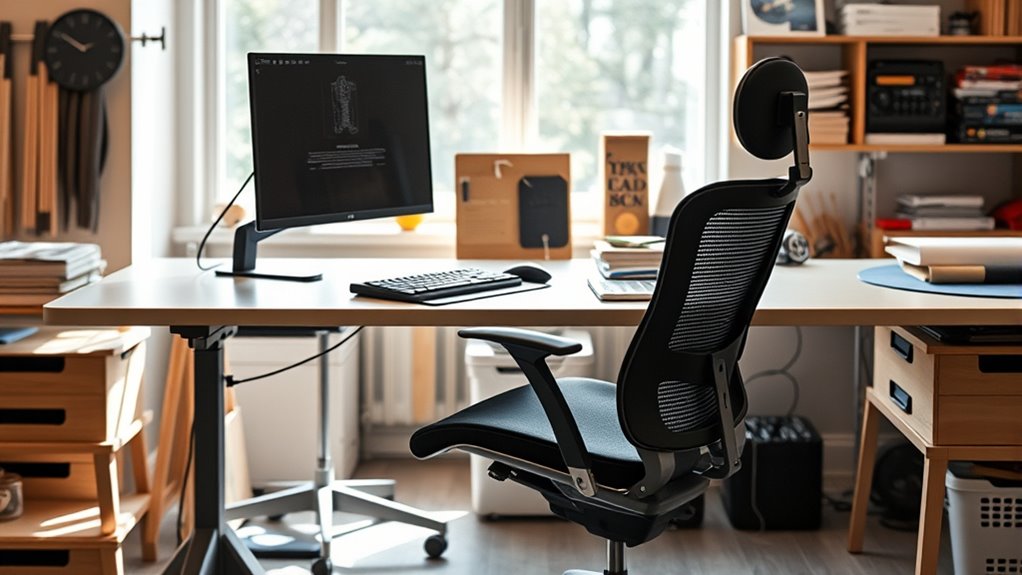
Maintaining comfortable hand and wrist positions during your projects depends heavily on how well your chair and work surface are set up. Confirm your chair supports good posture, with your feet flat on the floor and your hips at a 90-degree angle. Adjust your work surface height so your elbows stay close to your sides and form roughly a 90-degree angle. Proper workspace lighting reduces eye strain and helps you see details clearly, preventing awkward postures. Also, pay attention to tool grip ergonomics; use tools that feel comfortable and require minimal force. Keep frequently used tools within arm’s reach to avoid unnecessary stretching. An optimized setup reduces strain, keeps your body aligned, and enhances your workflow, helping you work comfortably and safely.
Stay Mindful of Body Feedback and Make Adjustments

Being attentive to how your body feels during work allows you to catch discomfort early and prevent strain. Practicing mindful body awareness helps you recognize signs of tension before they become painful. When you notice discomfort, make feedback driven adjustments immediately. For example:
- If your neck tightens, adjust your monitor height.
- If your wrists ache, change your hand position or take a break.
- If your back feels strained, shift your chair or posture.
- If your eyes strain, increase lighting or take a moment to rest.
Frequently Asked Questions
How Can I Tell if My Workspace Setup Is Causing Discomfort?
You can tell if your workspace setup causes discomfort by paying attention to how you feel during work. If your neck and wrists ache, your desk might be too high or low, or your monitor may be improperly positioned. Make sure your monitor is at eye level and your desk height lets your elbows stay close to a 90-degree angle. Adjust these elements to reduce strain and increase comfort.
Are There Specific Ergonomic Tools Recommended for Small or Limited Spaces?
When it comes to compact workspaces, you don’t want to bite off more than you can chew, so opt for portable ergonomic tools like foldable wrist rests, adjustable monitor stands, and compact footrests. These items easily fit into limited spaces and help maintain proper posture. Look for multipurpose, space-saving options that are lightweight and easy to move around, so you can create a comfortable setup without sacrificing your workspace’s efficiency.
How Often Should I Change My Position During Long Projects?
You should change your position every 30 to 60 minutes during long projects. Incorporate alternating stretches and posture reminders to keep your muscles relaxed and avoid strain. Take short breaks to stand, stretch, or shift your workspace setup. This habit helps prevent wrist and neck pain, boosts circulation, and maintains your focus. Remember, regular movement is key to staying comfortable and productive throughout your crafting sessions.
Can Ergonomic Accessories Improve Focus and Productivity?
Yes, ergonomic accessories can improve your focus and productivity by optimizing your workspace. They help reduce discomfort and strain, so you stay more comfortable and alert during long projects. Items like adjustable chairs, wrist supports, and monitor stands create a more efficient workspace. When your body feels good, you can concentrate better and work more effectively. Investing in ergonomic accessories makes your workspace more comfortable, boosting your overall performance.
What Are Signs That I Need to Adjust My Posture Immediately?
Imagine you notice wrist fatigue after hours of working, and suddenly your neck feels stiff; it’s time to adjust your posture. If you experience persistent discomfort, like aching wrists or neck stiffness, these are signs you need to correct your sitting position immediately. Don’t ignore these cues—changing your posture now helps prevent long-term pain and keeps you comfortable and productive throughout your work session.
Conclusion
By following these ergonomic tips, you’ll transform your workspace into a pain-free zone—almost like wielding a magic wand against discomfort. Stay mindful of your body’s signals, make quick adjustments, and incorporate regular breaks. Before you know it, neck and wrist pain will become a distant memory, and your projects will flow smoother than ever. Keep ergonomics in mind, and you’ll be unstoppable—your workspace will thank you, and so will your body!